Mode: Classroom Offline (Pune) / Live Virtual Online / Hybrid

4.9 (24,598) reviews

Statistics + Python + MySQL + Power BI + Machine Learning + Deep Learning + Time Series + LLM(Gen AI) + NumPy + Pandas + Plotly + PandasAI + Adv Excel + AI with Python + AI with SQL + AI with Power BI

Bonus Free Content 🔥

✅ Internship and career mentorship programs till placements

Note: Separate batch & extra sessions for NON-IT Professionals to build strong programming skills from scratch.

Program Flow
  • The Python Ecosystem & Setup
  •  Scripting
  •  Functional Programming
  •  Conditional Statements and Loops
  •  UDF Functions and Object Functions
  •  File Handling with Python
  •  Exceptional Handling
  • Object-Oriented Python
  •  Advanced Topics
  •  Decorators, Descriptors, Debugging
  •  Framework & Regular expression
  •  Jupyter Notebook, Google Colab
  •  Python Libraries – NumPy,  Pandas
  •  Data Visualization
  •  Seaborn, Matplotlib , Plotly, Cufflinks
  •  EDA (Exploratory Data Analysis)
  •  Data Analytics using PandasAI
  • Anaconda AI Assistant, Gemini AI
  • Python with Gen AI
  • Introduction

    • What is a Database?
    • Importance of Databases in Real-World Applications
    • What is SQL (Structured Query Language)?
    • Understanding RDBMS (Relational Database Management Systems)
    • Advantages of Using SQL
    • Popular SQL Databases: MySQL, SQL Server, PostgreSQL, Oracle
    • SQL vs NoSQL Databases 


    Installation

    • Installing MySQL Workbench
    • Setting up MySQL Workbench
    • Understanding MySQL Workbench Interface


    SQL Sublanguages

    • Overview of SQL Language Components - DDL (Data Definition Language)  -  CREATE, ALTER, DROP, TRUNCATE
    • DML (Data Manipulation Language) - INSERT, UPDATE, DELETE
    • DCL (Data Control Language) - GRANT, REVOKE
    • TCL (Transaction Control Language) - COMMIT, ROLLBACK, SAVEPOINT
    • DQL (Data Query Language) - SELECT & Role and Importance of Each Sublanguage in SQL


    Data Types and Constraints

    • SQL Data Types (Numeric, Character, Date/Time)
    • Choosing Appropriate Data Types
    • SQL Constraints Overview - NOT NULL, UNIQUE, PRIMARY KEY, FOREIGN KEY, DEFAULT, CHECK
    • Applying Constraints While Creating Tables
    • Modifying and Dropping Constraints
    • Understanding Referential Integrity


    SQL Clauses

    • SELECT Statement usage for Fetching Data
    • FROM, WHERE, ORDER BY, and DISTINCT Clauses
    • Filtering Data using WHERE
    • Sorting Data using ORDER BY
    • Using Aliases for Tables and Columns
    • Understanding LIMIT and OFFSET


    Operators

    • Understanding Operators
    • Arithmetic Operators
    • Comparison Operators
    • Logical Operators
    • Bitwise Operators


    Group By & Having Clause

    • Aggregating Data using GROUP BY
    • Aggregate Functions: SUM, AVG, COUNT, MIN, MAX
    • Filtering Aggregates using HAVING
    • Combining WHERE and HAVING in Queries
    • Grouping Multiple Columns


    Conditionals

    • Using Conditional Logic in SQL
    • CASE WHEN THEN END Statements
    • Using IF and IFNULL / COALESCE
    • Handling NULL Values in Expressions
    • Conditional Aggregation Examples


    Built-In Functions

    • String Functions
    • Date & Time Functions
    • Numeric Functions


    UNION Operator

    • Understanding UNION and UNION ALL
    • Combining Results from Multiple Queries
    • Rules for UNION Compatibility
    • Removing Duplicates in UNION
    • Practical Use Cases of UNION


    Subquery

    • Definition and Importance of Subqueries
    • Types of Subqueries – (Single Row Subquery, Multiple Row Subquery, Correlated Subquery
    • Nested Subqueries and Performance Optimization


    Joins

    • Understanding Relationships Between Tables & Types of Joins – (INNER JOIN. LEFT JOIN, RIGHT JOIN, FULL OUTER JOIN, CROSS JOIN, SELF JOIN
    • Combining Multiple Joins
    • Real-Life Join Scenarios


    Views

    • Introduction to Views
    • Creating and Managing Views
    • Simple vs Complex Views
    • Updatable Views and Limitations
    • Benefits of Using Views for Security and Simplification


    Stored Procedures & Functions

    • What are Stored Procedures?
    • Creating and Executing Stored Procedures
    • Parameters (IN, OUT, INOUT)
    • Conditional Logic in Procedures
    • User Defined Functions (UDFs)
    • Difference Between Procedures and Functions


    Introduction to Generative AI

    • What is Artificial Intelligence (AI)?
    • Difference between AI, Machine Learning (ML), Deep Learning (DL), and Generative AI
    • How Generative AI works (LLMs, prompt engineering basics)
    • Importance of Generative AI in database management and SQL
    • Real-world applications in analytics and automation


    AI vs Generative AI

    • Traditional AI vs Generative AI: Key Differences
    • Capabilities of Generative AI
    • Role of Large Language Models (LLMs) in SQL Query Generation
    • How Gen AI Enhances Developer Productivity


    Benefits of Combining SQL and AI

    • Speed & Productivity, Better Learning & Understanding, Industry Demand
    • Use of AI in Business Intelligence and Data Analysis
    • Skill-building for Future Data and AI Professionals


    Use Cases of Gen AI with SQL

    • Auto-Generate Database Schema
    • Insert Mock / Sample Data
    • Generate Views, Procedures & Functions
    • SQL Query Optimization
    • Translate SQL Across Dialects
    • Explain SQL in Plain English
    • Add Comments Automatically


    Gen AI Tools for SQL

    • ChatGPT, Copilot for SQL
    • Enterprise AI Tool
    • Best Practices for Using AI Tools Responsibly


      Self-Learning Section / Assignments

      • Create a database schema & Sublanguages of SQL practice


  • Statistics for Data Science Intro
  • Central Tendency & Percentile
  • Euclidean Distance
  • Manhattan Distance
  • Normal Distribution & Its Properties
  • Sampling & Variables - Simple Random, Stratified, Systematic
  • Box Plot & Standardization
  • Types of probability in statistics - classical, empirical, subjective.
  • Hypothesis Testing
  • P-Value, Confidence interval and Steps in hypothesis testing
  • Question of Hypothesis Testing
  • Introduction to time series
  • Patterns in time series and stationarity
  • Model Building on Time series
  • ARIMA

Introduction

  • Overview of Excel as a Business Intelligence & Data Analysis Tool
  • Understanding the Excel Interface and Ribbon
  • Workbook vs Worksheet concepts
  • Customizing Excel Environment and Quick Access Toolbar
  • Importance of Excel Shortcuts for Productivity


Cell Referencing

  • Types of Cell References: Absolute, Relative, and Mixed
  • Practical Use Cases of Cell Referencing in Formulas
  • Named Ranges and their Advantages
  • Dynamic Named Ranges for Automation
  • Troubleshooting Cell Reference Errors


Formulas

  • Formula Syntax and Order of Precedence (PEMDAS)
  • Creating and Editing Formulas Efficiently
  • Using AutoSum, Formula Auditing, and Trace Tools
  • Handling Formula Errors (IFERROR, ISERROR, etc.)


Functions

  • Difference Between Formulas and Functions
  • Mathematical and Statistical Functions
  • Text Functions
  • Logical Functions
  • Date & Time Functions
  • Nesting Multiple Functions for Complex Calculations


Lookup Functions (VLOOKUP, HLOOKUP, XLOOKUP, INDEX-MATCH)

  • VLOOKUP and Its Limitations
  • Introduction to XLOOKUP – Replacing VLOOKUP/HLOOKUP
  • Using INDEX-MATCH for Dynamic Lookups
  • Two-Way Lookup using INDEX + MATCH
  • Handling Lookup Errors and Improving Efficiency


Dynamic Array Functions (FILTER, SORT, UNIQUE)

  • Understanding Dynamic Arrays and Spill Behavior
  • Using FILTER to Extract Data Dynamically
  • Sorting Data with SORT and SORTBY
  • Removing Duplicates using UNIQUE
  • Combining Dynamic Functions for Live Reports


Conditional Formatting

  • Applying Rules to Highlight Data (Greater Than, Text Contains, etc.)
  • Using Formulas within Conditional Formatting
  • Creating Data Bars, Icon Sets, and Color Scales


What-If Analysis & Scenario Tools

  • Introduction to What-If Analysis
  • Using Goal Seek for Target-Based Calculations
  • Creating Multiple Scenarios with Scenario Manager
  • Data Tables (One-Variable & Two-Variable Analysis)
  • Applying Solver for Optimization Problems


Connecting Excel to External Data Sources

  • Importing Data from CSV, Web, Databases, and Power BI
  • Using Data Tab Connectors (SQL, OData, SharePoint, etc.)
  • Data Refresh and Scheduled Updates
  • Combining Multiple Data Sources into One Table
  • Understanding
  • Linked Data Types


Power Query

  • Introduction to Power Query (ETL in Excel)
  • Loading Data from Multiple Sources
  • Data Cleaning and Transformation (Remove Duplicates, Pivot/Unpivot)
  • Merging and Appending Queries
  • Using Parameters and Custom Columns
  • Introduction to M Language


Power Pivot

  • Overview of Data Modeling in Excel
  • Creating Relationships Between Tables
  • Using the Data Model to Build PivotTables
  • Introduction to DAX (Data Analysis Expressions) in Excel
  • Calculated Columns, Measures, and KPIs
  • Advantages of Power Pivot over Traditional PivotTables


Charting Techniques

  • Designing Professional Charts (Column, Line, Pie, Combo, etc.)
  • Using Advanced Charts (Waterfall, Histogram, Box Plot, Pareto)
  • Creating Interactive Charts with Form Controls
  • Dynamic Charts using Named Ranges and Drop-downs
  • Chart Formatting Tips for Dashboards


Dashboard Creation

  • Planning and Designing a Dashboard Layout
  • Using Form Controls (Drop-downs, Sliders, Checkboxes)
  • Integrating Charts, Tables, and KPIs
  • Using Slicers and Timelines for Interactivity
  • Automating Dashboard Updates with Power Query & Pivot
  • Dashboard Design Best Practices (Color, Layout, Readability)


Macros & VBA Automation

  • Introduction to Macros and Recording Basic Tasks
  • Understanding VBA Editor and Code Structure
  • Writing Simple VBA Scripts for Automation
  • Creating User Forms and Buttons
  • Error Handling and Debugging in VBA
  • Practical Examples: Report Automation, Data Cleanup, File Handling


Introduction to AI in Excel

  • Understanding the role of AI in modern Excel
  • Difference between Traditional Excel and AI-Powered Excel
  • Overview of AI features: Analyze Data, Copilot, and Smart Plugins
  • How AI enhances productivity, accuracy, and reporting speed


Analyze Data Feature using AI

  • What is the “Analyze Data” tool in Excel?
  • Exploring the Ideas Pane for instant insights
  • Automatically generating PivotTables, Charts, and Summaries
  • Using Natural Language Queries to ask questions about your data
  • Real-time examples: Sales summary, trend detection, and key drivers


Excel Copilot Integration using AI

  • Introduction to Microsoft 365 Copilot in Excel
  • Using Natural Language to:
    • Write formulas
    • Clean or transform data
    • Create charts or tables automatically
  • Generating trend analysis, forecasts, and summaries using prompts
  • Reviewing, editing, and validating Copilot-generated content
  • Limitations and best practices for using Copilot responsibly


Generating VBA Scripts using AI

    • Introduction to AI-assisted VBA generation
    • Using AI Tools to automate repetitive Excel tasks
    • Generating VBA code for:
      • Data cleaning and formatting
      • Report automation and file handling
      • Custom user forms or buttons
    • Understanding and modifying AI-generated VBA scripts
    • Debugging, validating, and improving code efficiency with AI suggestions
    • Best practices and security considerations when using AI for automation

Introduction

  • What is Business Intelligence (BI)?
  • Overview of Power BI and its ecosystem
  • Components of Power BI (Desktop, Service, Mobile)
  • Understanding data-driven decision-making


Installation & Get Data

  • Installing Power BI Desktop
  • Overview of Power BI Interface
  • Understanding Data Sources 
  • Connecting to different data sources 
  • Import vs. Direct Query mode
  • Data Refresh concepts


Power Query Editor

  • Introduction to Power Query (ETL Process)
  • Data Cleaning and Transformation
  • Removing duplicates, handling errors, and missing data
  • Column operations: Split, Merge, Replace, Fill
  • Data type conversion and formatting
  • Appending and Merging queries
  • Using Parameters in Power Query
  • Introduction to M language 


Data Modeling

  • Importance of Data Modeling in BI
  • Understanding Relationships (One-to-One, One-to-Many, Many-to-Many)
  • Creating and Managing Relationships in Power BI
  • Star vs Snowflake Schema
  • Role of Fact and Dimension tables


Data Visualization

  • Introduction to Power BI Visuals
  • Creating Built in Visuals
  • Color and Conditional Formatting 
  • Slicers, Filters, and Bookmarks
  • Drill Through, Drill Down, and Tooltip pages
  • Using Themes and Custom Visuals
  • Designing Interactive Reports
  • Report Design Best Practices and Storytelling with Data


DAX (Data Analysis Expressions)

  • Introduction to DAX
  • Calculated Columns vs. Measures
  • Aggregation Functions
  • Filter Functions
  • Logical Functions
  • Text Functions
  • Date & Time Functions
  • Time Intelligence Functions 
  • Relationship Functions
  • Parent & Child Functions
  • Performance optimization and debugging DAX


Power BI Project (End-to-End Implementation)

  • Selecting a real-world dataset (Excel/SQL/Web)
  • Requirement gathering 
  • Data import and cleaning using Power Query
  • Data model designing
  • Creating calculated columns and measures
  • Building interactive visuals and Reports
  • Adding narrative and filters for user interaction


Power BI Service Overview

  • Introduction to Power BI Service 
  • Publishing and Sharing Reports from Power BI Desktop
  • Creating and Managing Workspaces
  • Building and Sharing Dashboards Online
  • App Creation and Distribution
  • Collaboration and Permissions in Power BI Service
  • Scheduling Data Refresh and Alerts


Introduction to AI in Power BI

  • Overview of AI capabilities in Power BI
  • Understanding how AI enhances analytics and insights
  • Types of AI features in Power BI


Forecasting using AI

  • Using Forecasting in Line Charts
  • Configuring Confidence Intervals and Forecast Length
  • Analyzing Seasonality and Trends
  • Comparing Actual vs. Predicted values
  • Best practices for forecasting accuracy


Anomaly Detection using AI

  • Enabling and Configuring Anomaly Detection
  • Understanding Sensitivity and Expected Range
  • Visualizing anomalies on time series data
  • Explaining anomaly causes and patterns


Explain the Variation using AI

  • Using “Explain the Increase/Decrease” feature
  • Understanding key drivers behind data change
  • Interpreting AI-generated insights
  • Turning insights into actionable decisions


AI Visuals

  • Smart Narrative Visual 
  • Q&A Visual 
  • Decomposition Tree Visual
  • Key Influencers Visual
  • Using AI visuals effectively in storytelling


Copilot Integration

  • Introduction to Power BI Copilot
  • Generating Reports and Summaries with Natural Language Prompts
  • Asking questions and creating visuals using Copilot
  • Enhancing productivity through AI assistance
  • Best practices and limitations of Copilot


DAX & M Code Generation using AI

  • Using Copilot to write and explain DAX formulas
  • Generating M queries in Power Query using AI suggestions
  • Validating and editing AI-generated code
  • Combining AI with human logic for optimized results

(Self Paced)

Understanding MongoDB

    • NoSQL Databases
    • JSON and BSON
    • Vertical and Horizontal Scaling
    • Data Types
    • MongoDB Tools
    • Collection and Database
    • Schema Design and Modeling
    • CRUD Operations in MongoDB
    • Indexing and Aggregation
    • Replication and Sharding
    • MongoDB Cluster Operations

(Self Paced)

  • Introduction to Tableau
  • Installation of Tableau Desktop
  • Connectors & Interface of Tableau
  • Types of Data & Data Modeling
  • Data Modeling Practical
  • Tableau Joins (Theory + Practical)
  • Viz_01 - Bar & Column Chart
  • Viz_02 - Axis less Viz
  • Viz_03 - Line & Area Charts
  • Viz_04 - Variants of Column Charts, Maps & Custom Visualization (Donut Chart)
  • Viz_05 - Custom Charts - KPI & Waterfall
  • Viz_06 : Pareto & Statistical Chart
  • Group & Bins
  • Sets In Tableau
  • Filters : Dimension, Measure & Relative
  • Filters : Data Source, Contex
  • Calculated Fields
  • Parameter
  • Level of Details (LOD) Expressions
  • Project Workflow & Initial Setup
  • Final Dashboard Building
  • Hands-on Capstone Projects
  • Internship Opportunity
Enquire Now

Free consulting from our expert

Our Process

Diploma in Full Stack Data Science & AI (AWS Free)

12 Modules

50% OFF

₹ 1,40,000/-  ₹ 69,500/-
2 Installments:

₹ 34,500/- (20 days gap)

Down Payment:

₹ 65,500/-

👉 Book your seat now with just ₹500 advance payment!

✨ LIMITED SEATS – HURRY UP!

💳 Pay Instantly via Razorpay:
Aniket Umratkar

The Python course at Gamaka AI was a great learning experience. The curriculum was well-structured, covering everything from basic syntax to advanced concepts like data structures and OOP. The hands-on approach and real-world applications made learning engaging. The instructors were knowledgeable and provided clear explanations. Overall, a fantastic course for beginners and intermediate learners looking to build a strong foundation in Python!

Rachana Khokrale

The course is an incredible learning experience that exceeded my expectations in every way. The quality of course , expertise of the instructors and the flexibility of online platform made it a lot easier.

Pradnya Pilane

Had a great learning experience with Gamaka ai.. They provide best course structure for power bi and power bi advanced.. Best for non IT students to boost up their skill from the Scratch.

Devesh Mishra

I recently completed the Python module at Gamaka AI Institute in Pune, and I’m really happy with the training experience. The course was structured very well, and the trainer explained all the concepts clearly, making it easy to understand even complex topics. What I appreciated most is that the training is real-time and project-oriented, which helped me gain practical, hands-on experience. The trainer is knowledgeable, patient, and always ready to help.

Nikheil Pawar

I have enrolled for Data Science course in this institution. Till now I have covered 3 topics MYSQL, PYTHON AND POWER BI. The faculty is very supportive towards our goals for getting placed in good companies. The training is totally industry based. Every faculty explains the scenario based examples on the particular topics! Anyone who is looking for Data science or analytics related fields this is perfect institution!

Mayur Parthe

The Python course was well-structured and beginner-friendly. The concepts were explained in a simple and easy-to-understand manner, with plenty of hands-on examples. I appreciated the step-by-step guidance, interactive exercises, and real-world projects that helped reinforce learning. Overall, it was a great experience and a solid foundation for anyone starting their Python journey.

Deepesh Thakur

I enrolled in the Data Analytics course at Gamaka AI and had a great experience. The curriculum is well-structured, covering tools like Excel, SQL, Python, and Power BI with a strong focus on practical learning. The trainers are knowledgeable and supportive, and the hands-on projects really helped me apply what I learned. The placement support, including resume guidance and interview prep, is also very useful. Overall, it's a solid course for anyone looking to start a career in data analytics.

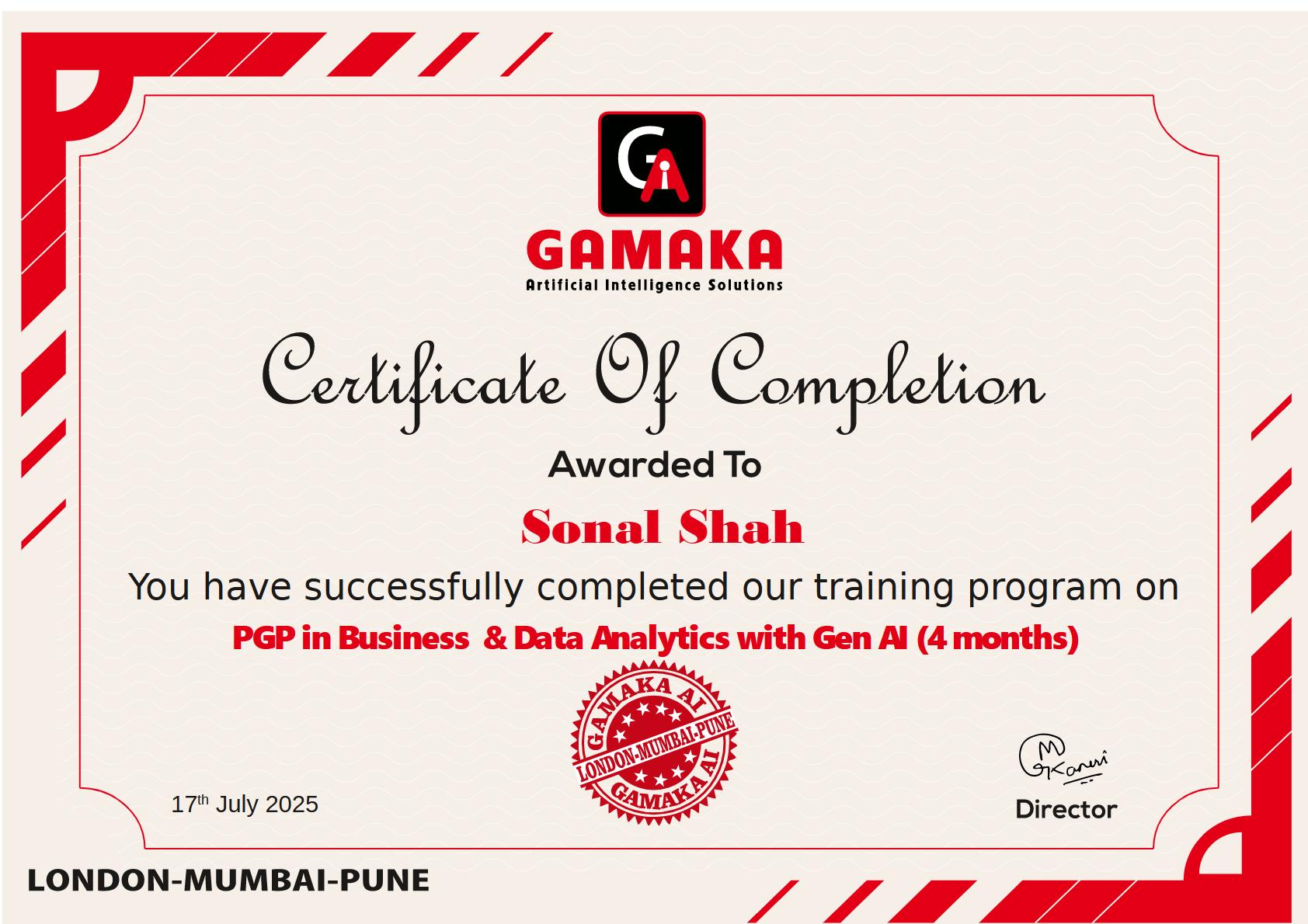
Course Certificate

Upon successful completion of this data science course, you’ll earn a Certificate. The certificate adds the required weight in any portfolio.

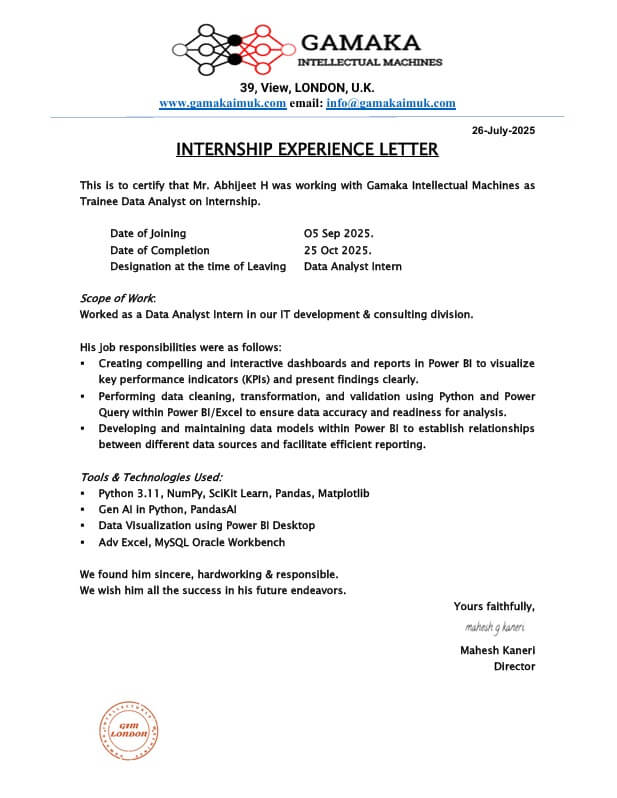
Internship Certificate

This certificate will be issued to those pursuing internships with our development team or clients with whom we have tie-ups. Data Science Internship gives opportunity to learn from professionals, gain practical experience in this field, and build a robust professional network.

Take First Step Towards
Your IT Dream Today

High Demand

Business & Data Analytics is a booming field with high demand and growth. You’ll gain coveted skills, solve real business problems, and contribute to success. BDA offers lucrative salaries, career flexibility across industries, and the chance to continuously learn in an ever-evolving field. Launch your rewarding career in data today!

WHY PURSUE A DATA SCIENCE CAREER
Who can take this course

This course caters to beginners with no prior coding experience (we’ll teach you Python!), career changers looking for a data field entry point, Subject Matter Experts (SMEs) seeking to leverage data analysis in their domain, and even busy working professionals with flexible online, offline, and hybrid learning options, including weekend batches.

Hands-on Projects & Internship

Gain practical experience by real-world projects and participating in an internship.

Expert Instructors

Learn from data science professionals with real-world experience who will guide you through the program and answer your questions.

Industry Based Curriculum

Our curriculum is designed to equip you with the specific skills and knowledge that are in high demand by today’s data science employers.

100% Placement

We’ll equip you with the skills and support you need to land your dream data science job.

Real World Case Studies

Immerse yourself in real-world scenarios by exploring how data science is applied in various industries.

Extensive coverage on AI Tools

Use AI to clean, transform, and organize data efficiently. Saves time spent on repetitive data tasks.

Enquire Now

Free consulting from our expert

Take First Step Towards
Your IT Dream Today